Maya Chen
Landscape architect · North Line Studio
Save contact
Email[email protected]
Phone+1 555 010 2040
One lasting link
Update without reprinting
QR and NFC, together
Use the website you already have. taaap gives it a lasting address you can put on a QR code or NFC tag.
Create a tag and paste your website’s HTTPS link. taaap gives your tag its own permanent address.
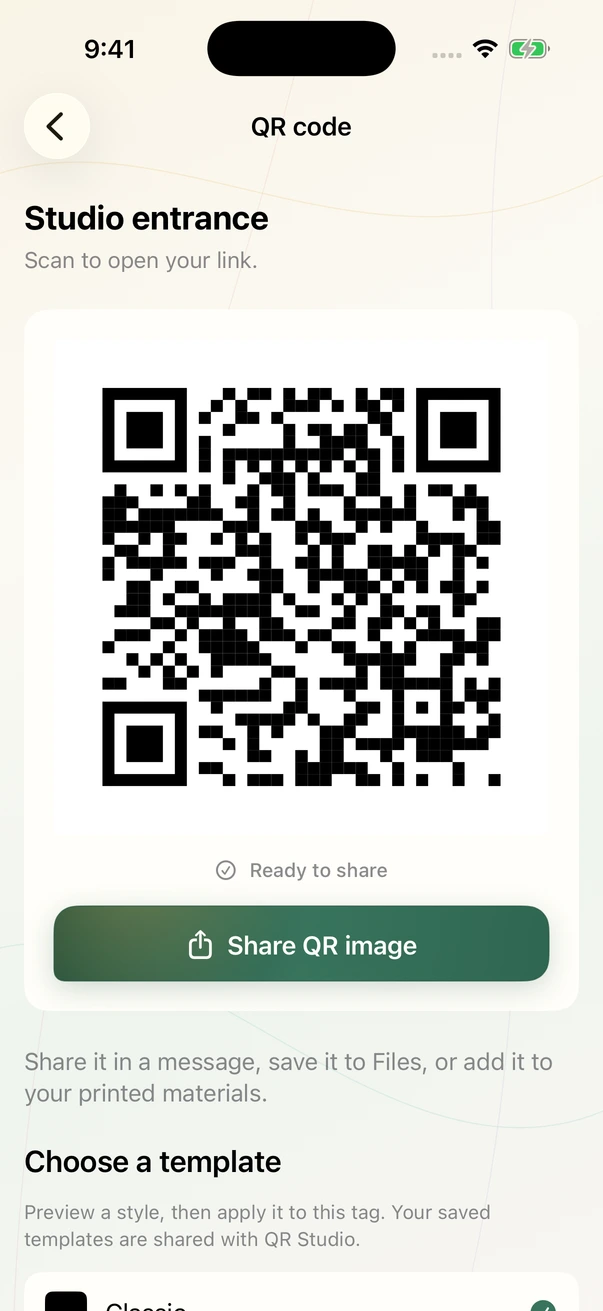
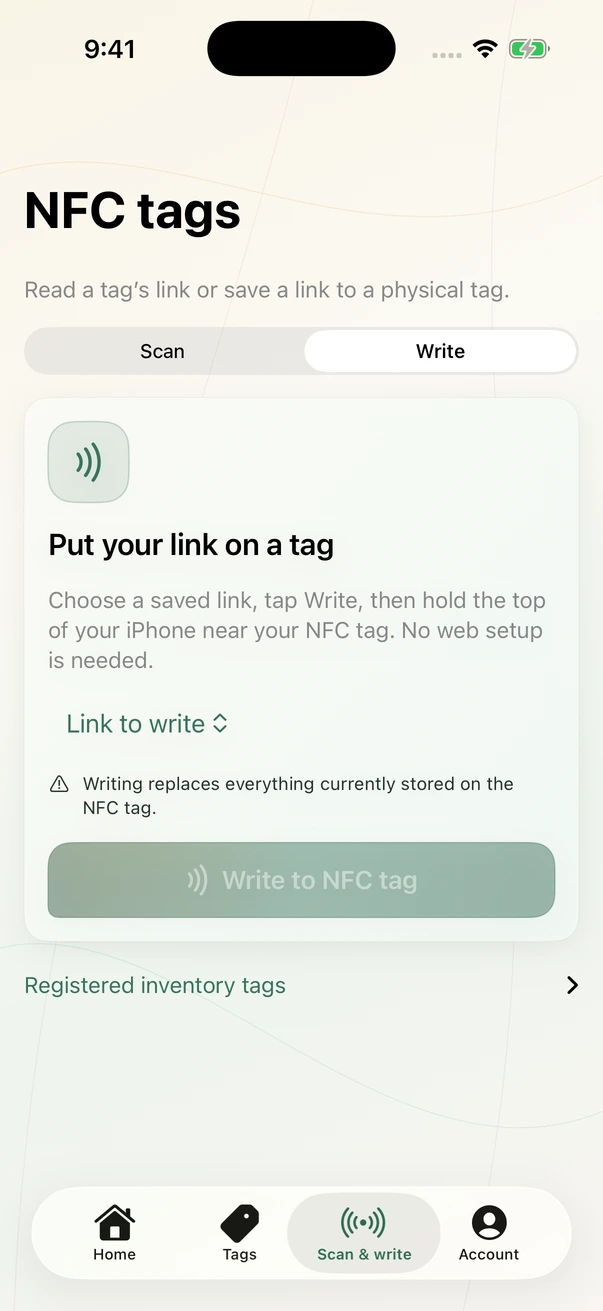
Download the QR code to print, or write the taaap link to a compatible NFC tag. Visitors open it with their phone.
New menu, new event, new website? Edit the destination in your workspace. Keep the same printed QR or NFC tag.
Create a polished contact page with one permanent taaap address. Share it through QR, Apple Wallet, or compatible NFC hardware, then update the details without replacing what you already shared.
Landscape architect · North Line Studio
taaap.ca/t/your-cardOn the table. In the box. At the front door. Put your next connection where it matters — and keep it useful as your business grows.
Create your first tagA guest sits down and scans the table QR to see your menu. The same tag can later lead to a booking page or your next tasting night.
What it makes easierPut the relevant next step in front of a guest while they are with you.
A customer scans a product insert at home to find care instructions or a setup guide. A display in your shop can lead to the current collection.
What it makes easierMake useful product information easy to find after the purchase.
Someone passing a property scans the sign for photos and listing details. A printed brochure can take an interested buyer to your enquiry page.
What it makes easierConnect an offline viewing moment with the information a prospective buyer needs.
A guest scans a room card to find your digital guest guide. At reception, another tag can lead to local recommendations or your booking website.
What it makes easierGive guests a clear route to practical information throughout their stay.
A client scans a card after their visit to open your existing booking service. A treatment leaflet can lead to the care information you provide.
What it makes easierKeep your booking and follow-up information within easy reach.
Attendees scan an entrance sign for the programme. Once the event is over, the same printed material can lead to your recap or next event page.
What it makes easierKeep printed material useful before, during, and after an event.
After a meeting, someone taps your NFC card or scans its QR to explore your work. The link can lead to a portfolio, service page, or consultation booking tool.
What it makes easierGive a new contact a clear next step after the conversation.
Leave a customer a service card that opens your contact or booking page. A label on serviced equipment can lead to the maintenance information you publish.
What it makes easierHelp customers find your service information again when they need it.
Create a simple public Page in minutes when a link needs to explain something, share an update, or point people in the right direction.
Create a simple PagePages
Publish a clear page for instructions, announcements, arrival details, or a useful update. Add the essentials, then share one reliable link.
Forms
Ask only for the details you need, from contact information and choices to consent, then review responses in your workspace.
When you need a reply too, add a Form to a Page.
Sunday café · Illustrative week
Across 3 tags · 7 days
| Tag | QR | NFC | Total |
|---|---|---|---|
| Table signs | 410 | 222 | 632 |
| Counter display | 302 | 116 | 418 |
| Event cards | 134 | 100 | 234 |
Illustrative activity for a café workspace.
One workspace for the links you share and the activity they bring back.
Keep tags in folders and group them into campaigns.
Review QR and NFC activity, top tags, and recent activity.
Update a destination from the same workspace.
Start with the essentials, then add room for more links, people, and activity as your work grows.
All plans include lasting QR links, NFC-ready destinations, digital business cards, campaigns, and Forms.
For personal use and a small connected presence.
Free plan · no annual billing
Plan includes
3 business cardsPermanent addresses for QR, NFC, and Apple Wallet
For independent professionals and small businesses.
$150 per year
Plan includes
10 business cardsPermanent addresses for QR, NFC, and Apple Wallet
For growing operations that need routing and experiments.
$490 per year
Plan includes
50 business cardsPermanent addresses for QR, NFC, and Apple Wallet
For larger campaigns and conversion automation.
$1,490 per year
Plan includes
250 business cardsPermanent addresses for QR, NFC, and Apple Wallet
Prices are in CAD before applicable taxes. Annual subscriptions are billed upfront. Limits apply per organization.
See how digital business cards workSee what’s getting attention, share a QR code, and write NFC tags — all from your iPhone.
Follow daily activity, compare QR scans and NFC taps, and see which tags people open most.

NFC writing requires a compatible iPhone and a writable NFC tag.
Digital business cards are available in the web workspace now. Native card management is planned for a later iPhone update.
Explore digital business cards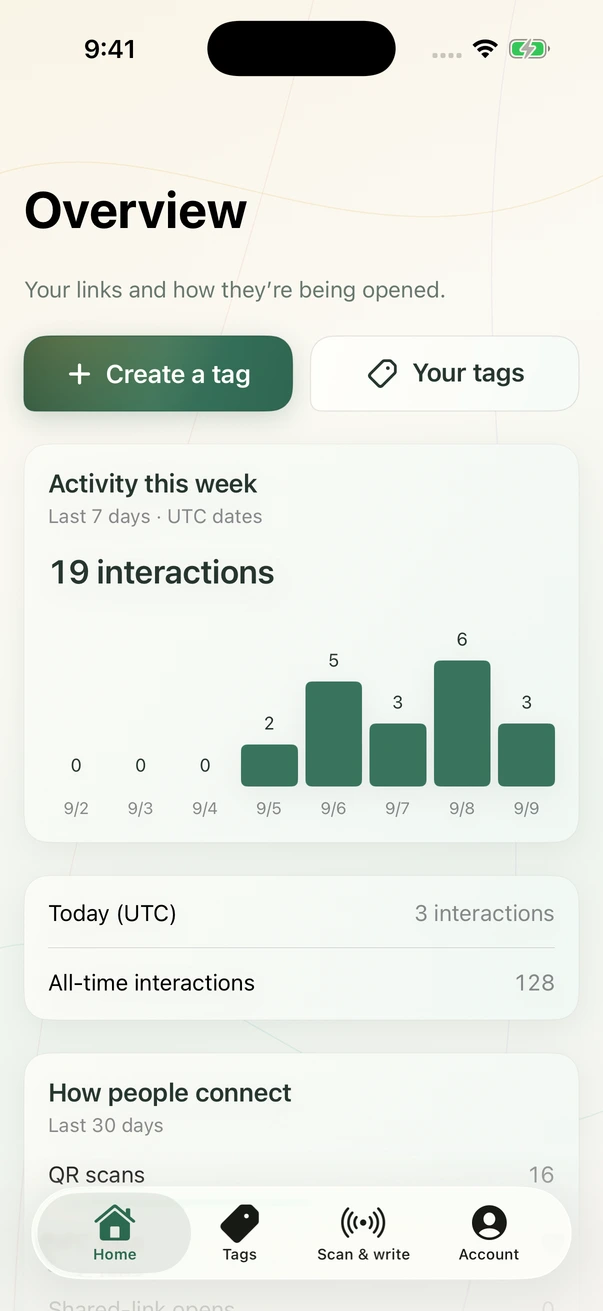
taaap is a workspace for the links behind your QR codes and NFC tags. Each tag gets a lasting taaap address. You choose which website it opens and can update that destination later.
No. A QR created for your taaap tag points to its lasting address, rather than directly to your destination website. Change the destination in taaap and keep the same printed QR.
No. Visitors scan the QR with their phone camera or tap a compatible NFC tag to open the link. You use your taaap account to manage where it goes.
No. Link to an existing HTTPS website, menu, booking page, or portfolio. Start with a QR code; a compatible NFC tag is optional.
Add your first destination. Give it a QR code or an NFC tag. Keep the possibilities open.